Hey. I'm Jonathan. I started out as a sysadmin over 30 years ago, and have worn a lot of different hats since then! Now? I'm working towards a totally new role building and deploying cutting edge AI solutions in the cloud.
Projects
Neovim Setups
+130 Stars
30 Forks
Lua
Vimscript
lazy.nvim
packer.nvim
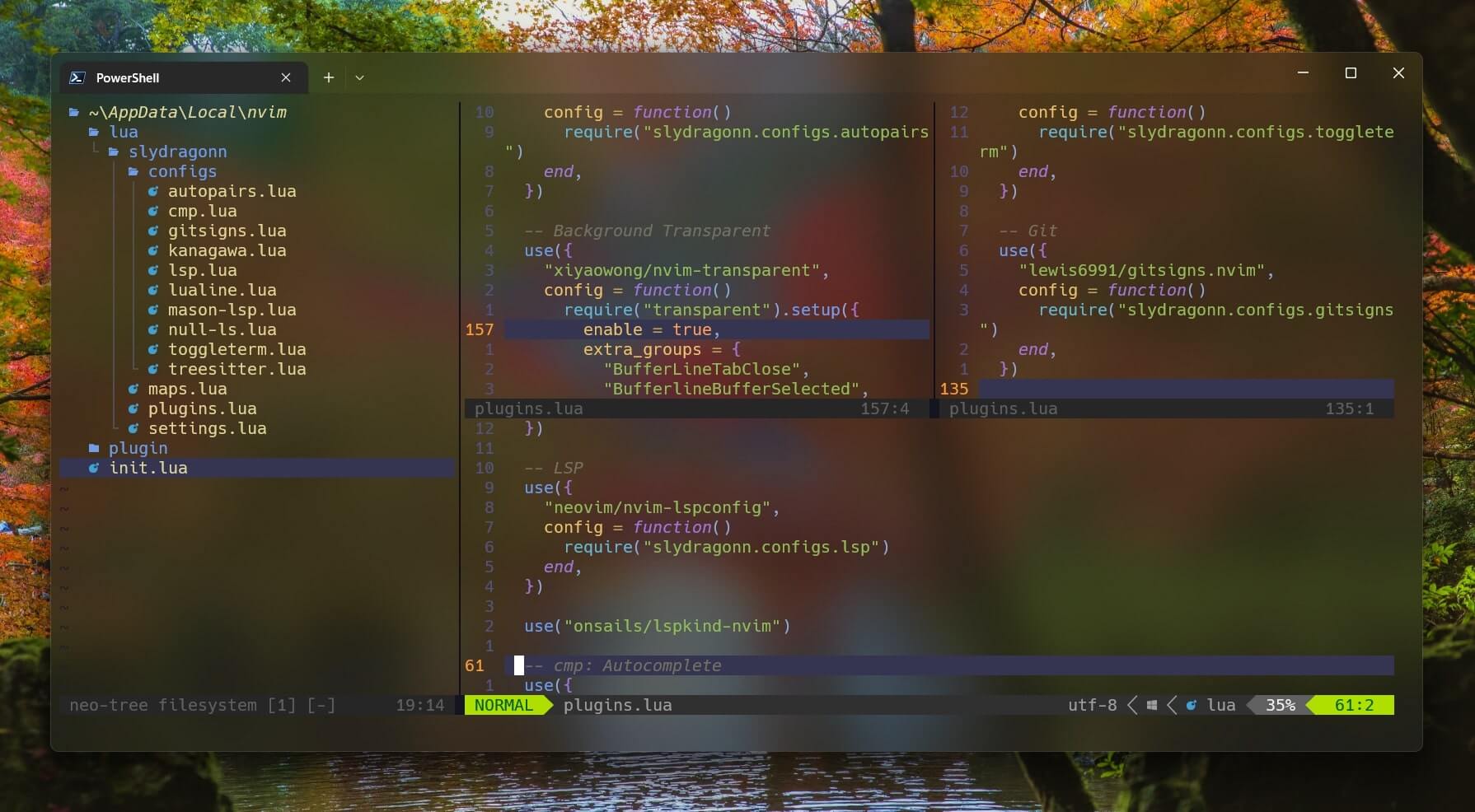
Neovim is a hyper-extensible text editor based on Vim, and it is a fast editor compared to its counterparts like vscode, but it has a steep learning curve especially in terms of how to configure it, which I have made a bit easier for new developers who want to use neovim by creating and sharing my own configuration.
Markdown Web Editor
React
Next.js
Codemirror
ChakraUI
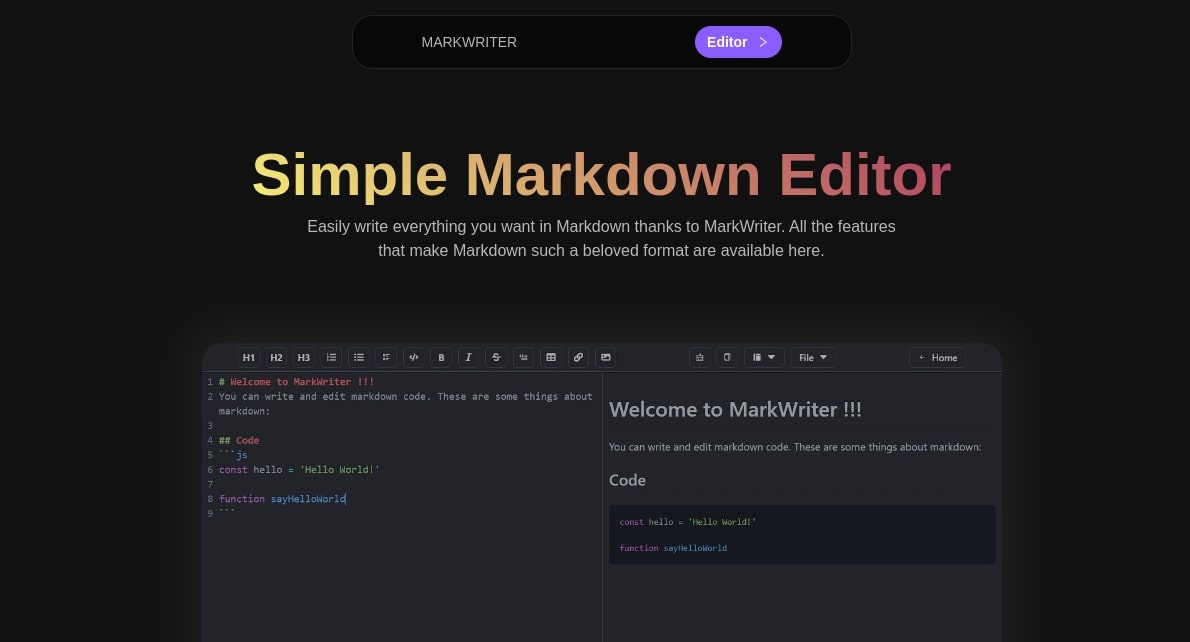
A Simple and Straightforward Markdown Web Editor
Landing Page
JavaScript
Next.js
Landing page for entrepreneurship competition
My Portfolio templates
Astro
TypeScript
React
Tailwind CSS
Free to use templates for the Astro Themes repository.
About me
A
My name is Jonathan Miles, I started programming
in mid-2021 and I currently specialize in web development.
I've been obsessed with computers and technology for over 40 years, and my passion for tech has been well and truly reignited by the crazy rollercoaster ride of AI.
Bio
1973
Born in Itagüi, Antioquia
2019 - 2020
Completed the SENA Systems Technician Program
Caldas, Antioquia
March 2024 - April 2024
Amazon Web Services AWS Re/Start Programme
A full-time, classroom-based training program that prepares individuals returning to the workforce for new careers in cloud computing.
2024 - 2025
AWS Re-Start Graduate - Cloud Computing
6 months of access to additional resources, workshops, classes and self paced study materials from AWS.Gained AWS Certified Cloud Practitioner and Certified AI Practitioner Certifications.
2024 - Today
Full time self study with Google Cloud Skills & Developer Programme,
6 months of access to additional resources, workshops, classes and self paced study materials from AWS.
To install this terminal you should have Windows 10 or 11. It's very easy, You direct to the Microsoft store and search Windows terminal and install this option...
First, we should create the README.md file, that’s where we put all code. You can create the file directly on the GitHub site or create it on your pc and push it to the repository.